MOSS Image AI Generator: Try MOSS-Image Online Free, No GPU
Make posters, menus, labels and flyers with readable text using OpenMOSS’s MOSS-Image model — online, no GPU, no install, no ComfyUI. New accounts get free credits to try it.
MOSS Image AI Generator: the short answer
Vuddex’s MOSS Image AI Generator runs MOSS-Image, the open-source text-to-image model OpenMOSS released in October 2026, so you can use it in your browser without a GPU, ComfyUI or any install. Describe the picture, put the exact words you want in quotes, pick an aspect ratio, and you get a high-resolution image in about a minute with the text drawn inside it — poster titles, menu items, product labels, in English or Chinese. Each image costs 15 credits (about $0.37–$0.50); new accounts get free credits to try it, and a failed image is refunded automatically. Vuddex is an independent site, not the official MOSS-Image demo.
| Aspect ratio | 1:1 / 4:3 / 3:4 / 16:9 / 9:16 |
|---|---|
| Price | From 15 credits |
About $0.37–$0.50 for the cheapest setting, depending on the plan or credit pack. The exact price shows on the Generate button before you start; failed generations are refunded.
MOSS Image AI Generator in three steps
- 01
Describe it, words in quotes
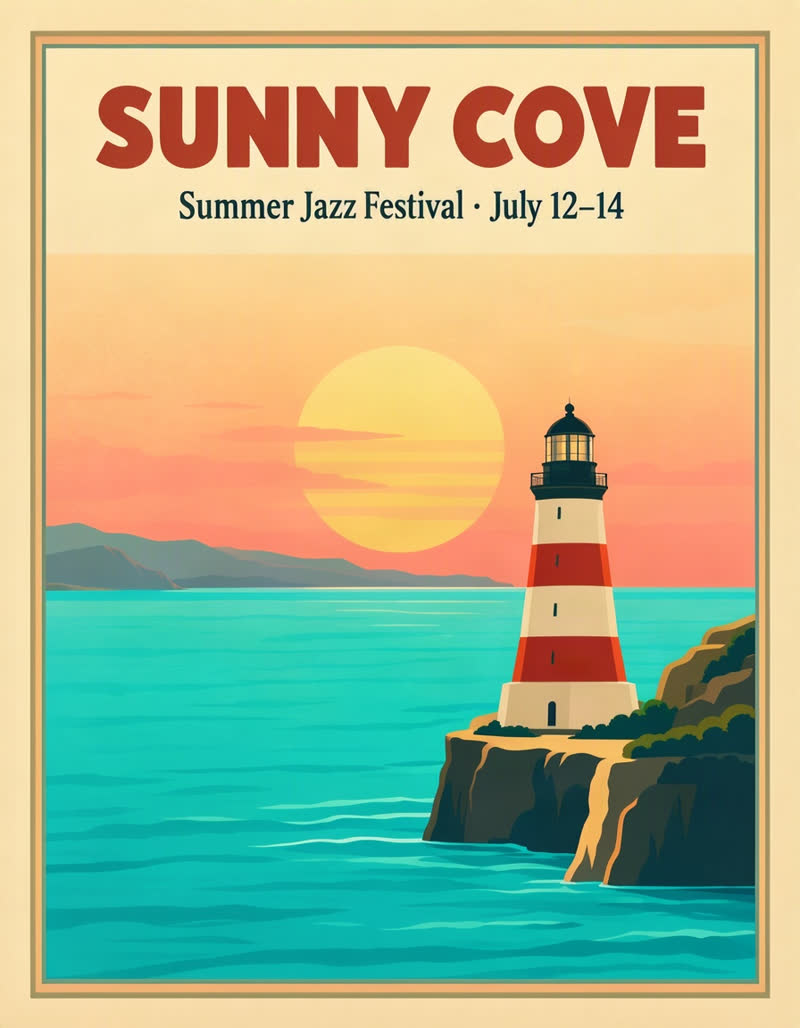
Subject, style and the exact text: headline "SUNNY COVE".
- 02
Pick the shape
Square, portrait, landscape or 9:16 for stories; up to four images.
- 03
Generate and proofread
About a minute later, check every word and download the JPEG.
Real MOSS Image examples
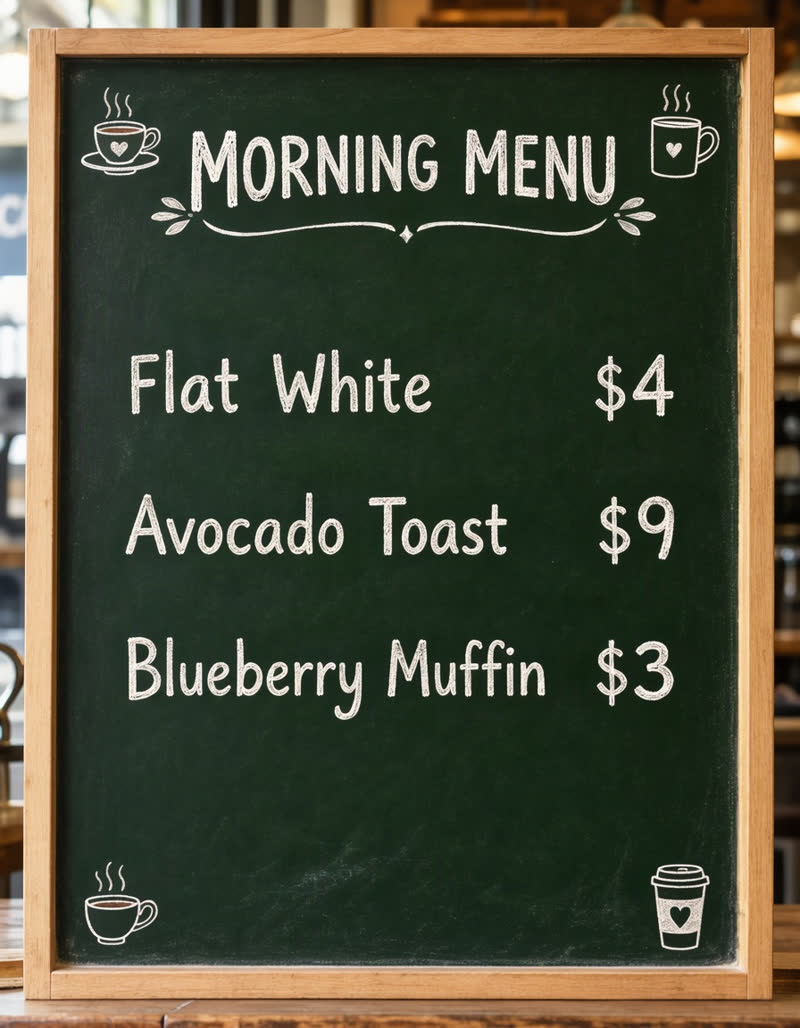
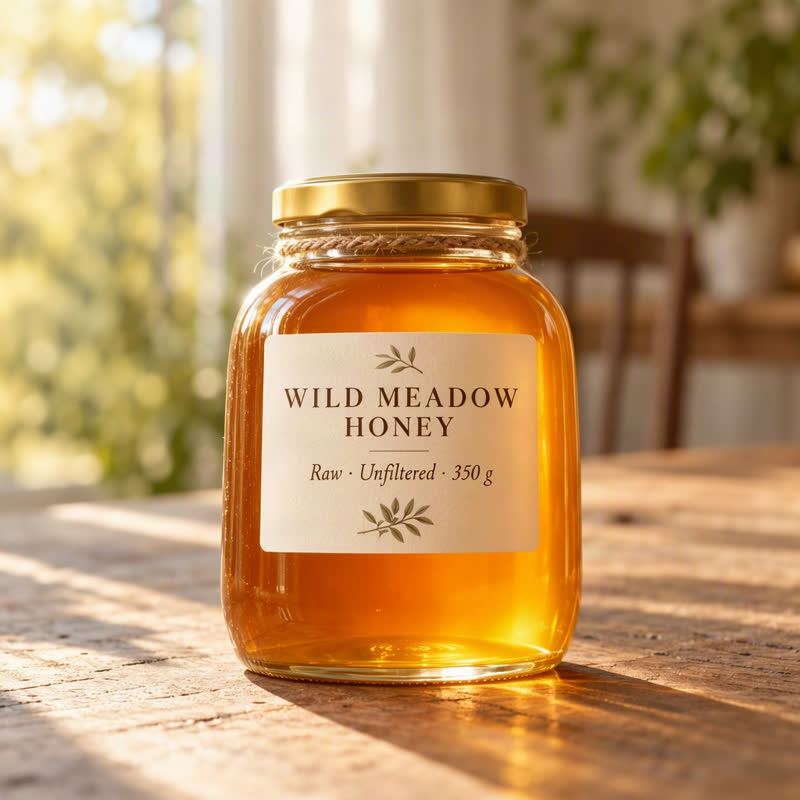
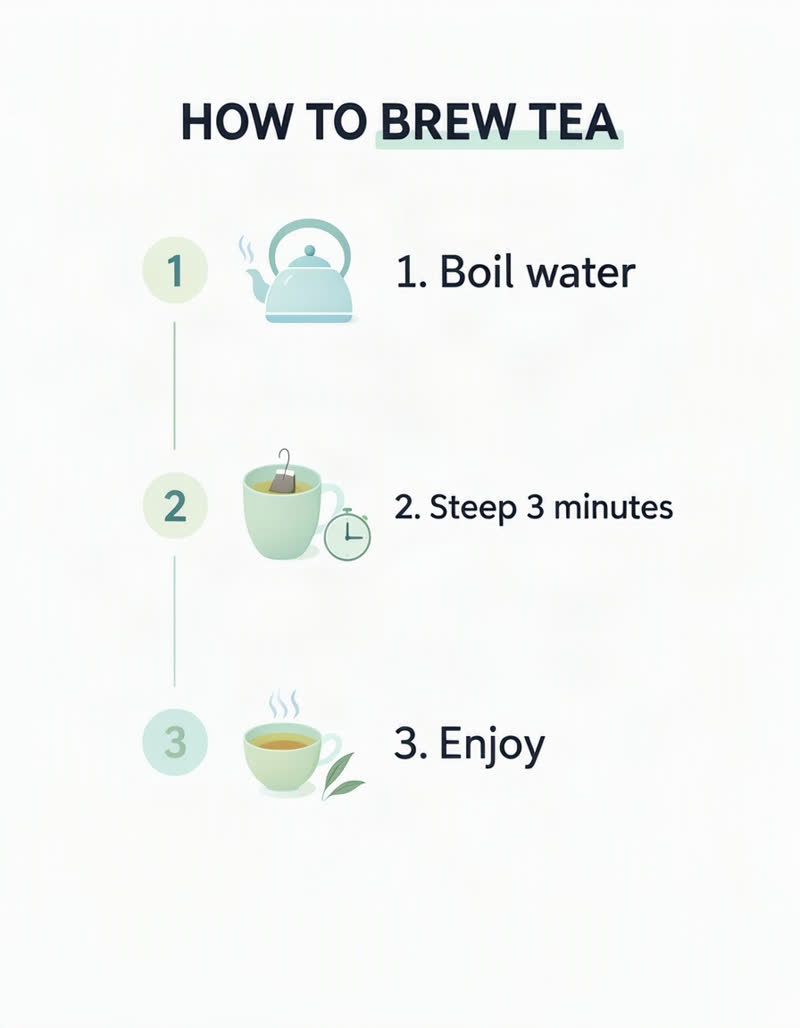
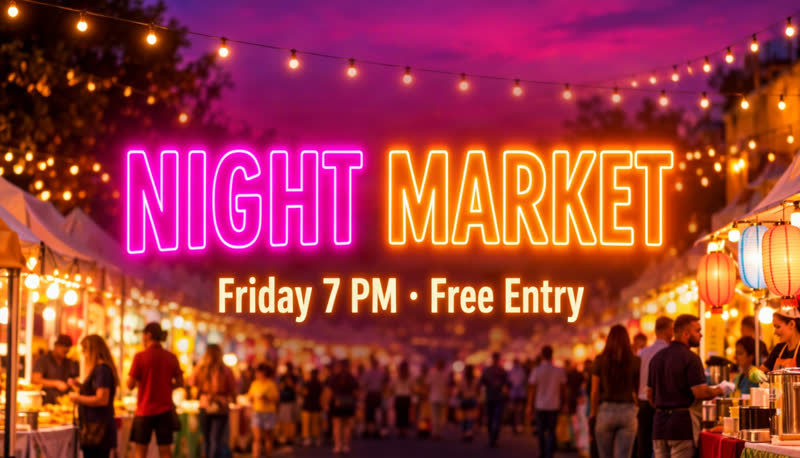
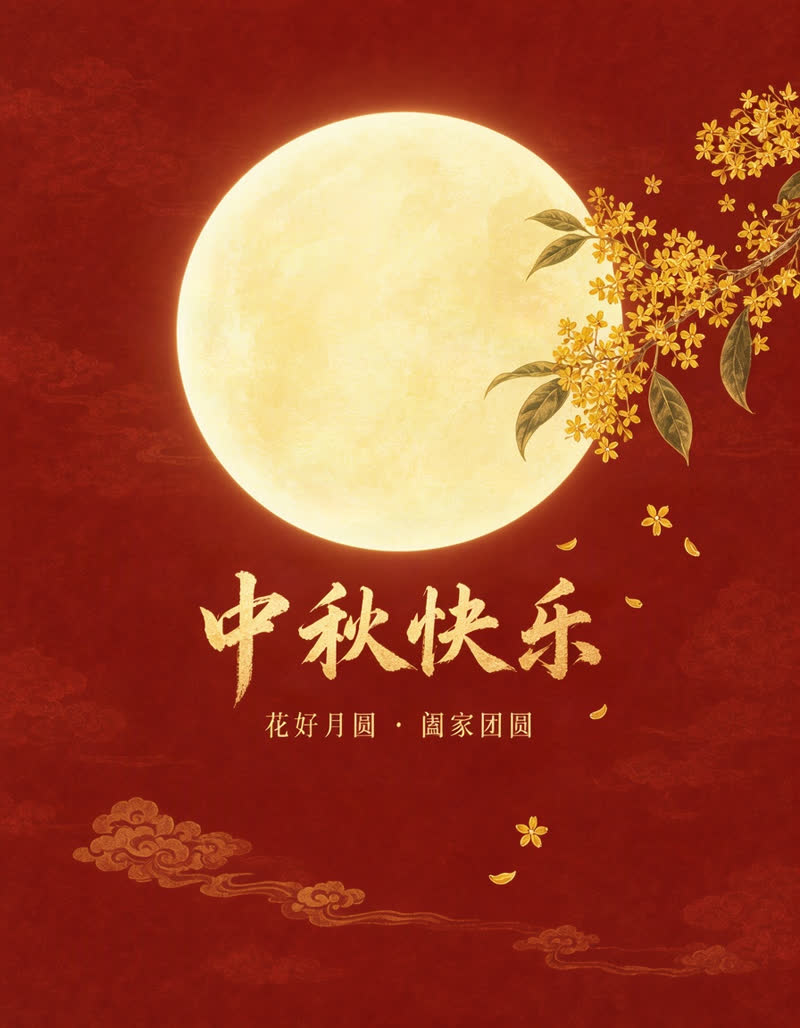
Made with MOSS Image on Vuddex, unedited. The prompt that produced each image is under it — copy one to start.
What is MOSS Image AI?
MOSS-Image is an open-source text-to-image model from the OpenMOSS team, released on 16 October 2026: a 5-billion-parameter diffusion transformer under the Apache 2.0 licence. People also write it as MOSS Image, moss image ai or OpenMOSS MOSS-Image.
What sets it apart is text. Most image models smear or misspell the words in a picture; MOSS-Image is trained to draw readable headlines, menus and labels, in English and Chinese, and to follow where you want things placed. It went viral within days of release because of that.
How do I use MOSS Image online?
- Type what you want in the box above: the subject, the style, and the exact words in quotes — e.g. a poster with the headline "SUNNY COVE".
- Pick an aspect ratio (1:1, 4:3, 3:4, 16:9 or 9:16) and how many images (1 to 4).
- Press Generate. The button shows the price first; you only sign in at this step.
- About a minute later, download the full-resolution JPEG — and read every word before you print or post it.
Can I use MOSS Image without a GPU or installing anything?
Yes — that is what this page is for. The model runs on our servers, so all you need is a browser on a phone or computer.
Running MOSS-Image yourself means downloading the 5B weights and a graphics card with plenty of video memory, usually through ComfyUI or the official code on GitHub. That is worth it if you generate thousands of images or want to fine-tune; for trying it, making a few posters or comparing it with other models, the online version is the quicker route.
Is MOSS Image free?
The model itself is free: the weights are open under Apache 2.0, and OpenMOSS hosts a free demo on Hugging Face, which can have a queue when many people use it.
On Vuddex an image costs 15 credits (about $0.37–$0.50). New accounts get free credits, enough to try MOSS Image right away; after that you can buy a one-time credit pack (no subscription needed) or a monthly plan. You see the price before you start, and you are never charged for an image that fails.
How do I write a prompt that gets the text right?
- Put every word that must appear in quotes: title "NIGHT MARKET", subtitle "Friday 7 PM · Free Entry".
- Say where it goes: "big headline at the top", "small line under it", "price on the right".
- Keep each text short. Headlines and labels come out cleanly; a whole paragraph is where spelling slips in.
- Describe the type: bold sans-serif, hand-lettered chalk, elegant serif, neon.
- Leave room for it: "plenty of clean space around the text" helps the model keep words off busy backgrounds.
- One language per line works best; you can mix English and Chinese lines in one image.
Can MOSS Image write Chinese text?
Yes. Write the prompt in Chinese or English and put the Chinese words in quotes — the Mid-Autumn poster below, with its calligraphy headline and subtitle, came out character-perfect on the first try. Short titles and slogans are reliable; long Chinese passages and very small characters can still come out wrong, so check them before you use the image.
MOSS Image or MiniMax image-01: which should I use?
Both run on Vuddex’s AI Image Generator. Pick MOSS Image whenever words matter — posters, menus, labels, banners, social graphics, signs. Pick MiniMax image-01 for pictures without text: it costs a fraction of the credits, comes back in seconds, and can keep a real person’s face from a reference photo, which MOSS Image does not do.
What does MOSS Image still get wrong?
- Long passages: a full paragraph can pick up a wrong letter or a repeated word.
- Tiny text: fine print and footnotes blur at this resolution.
- Exact fonts and brand logos: it imitates a style, it does not reproduce a specific typeface or trademark.
- Speed: about a minute per image, slower than the fastest image models.
Always proofread the text before you print, post or send an image.
Questions, answered
How long does a MOSS Image take?+
Usually 20 to 90 seconds per run. Four images in one run take about as long as one.
Is this the official MOSS-Image site?+
No. Vuddex is an independent site that runs the open MOSS-Image model through a hosting provider. The model is made by OpenMOSS; their code and weights are on GitHub and Hugging Face.
Can I use MOSS Image commercially?+
The model is released under Apache 2.0, which allows commercial use. On Vuddex you keep the rights to your images as far as the model licence allows, and commercial use requires a paid plan (see our terms). You are responsible for the words, names and brands you put in an image.
Can I run MOSS Image in ComfyUI?+
Yes. ComfyUI has an official MOSS-Image workflow, but you need your own GPU with enough video memory and the model files. Our guide explains when that is worth it; to try the model first, use the generator on this page.
Does it support layout JSON or bounding boxes?+
The model can take a structured layout, but this page uses plain prompts for now. Describe positions in words — “headline at the top”, “price on the right” — and MOSS Image plans the layout from that.
Do I need an account?+
You can write the prompt and choose the settings without one; sign in with Google or your email when you press Generate. New accounts start with free credits.
Explore more
Try MOSS Image AI Generator now
Sign up in seconds — new accounts get free credits to try it.
Generate